A company database so you prospect without digging through Google
Pick the line of business by industry code (CNAE) and the city or region: the platform returns the companies that fit, with phone and email from the federal tax registry.
What you get
- Filter by industry code (line of business)
- Filter by city and region
- Legal name and trade name
- Phone and email from the registry
- Full company address
- A list ready for the team to prospect
Veja a lista nascer em poucos cliques
Você soma os filtros até chegar no cliente ideal
Ramo de atividade pelo CNAE, estado, cidade, porte da empresa e situação cadastral. Cada filtro entra na lista e você combina quantos precisar: todas as clínicas odontológicas ativas de uma cidade, por exemplo.
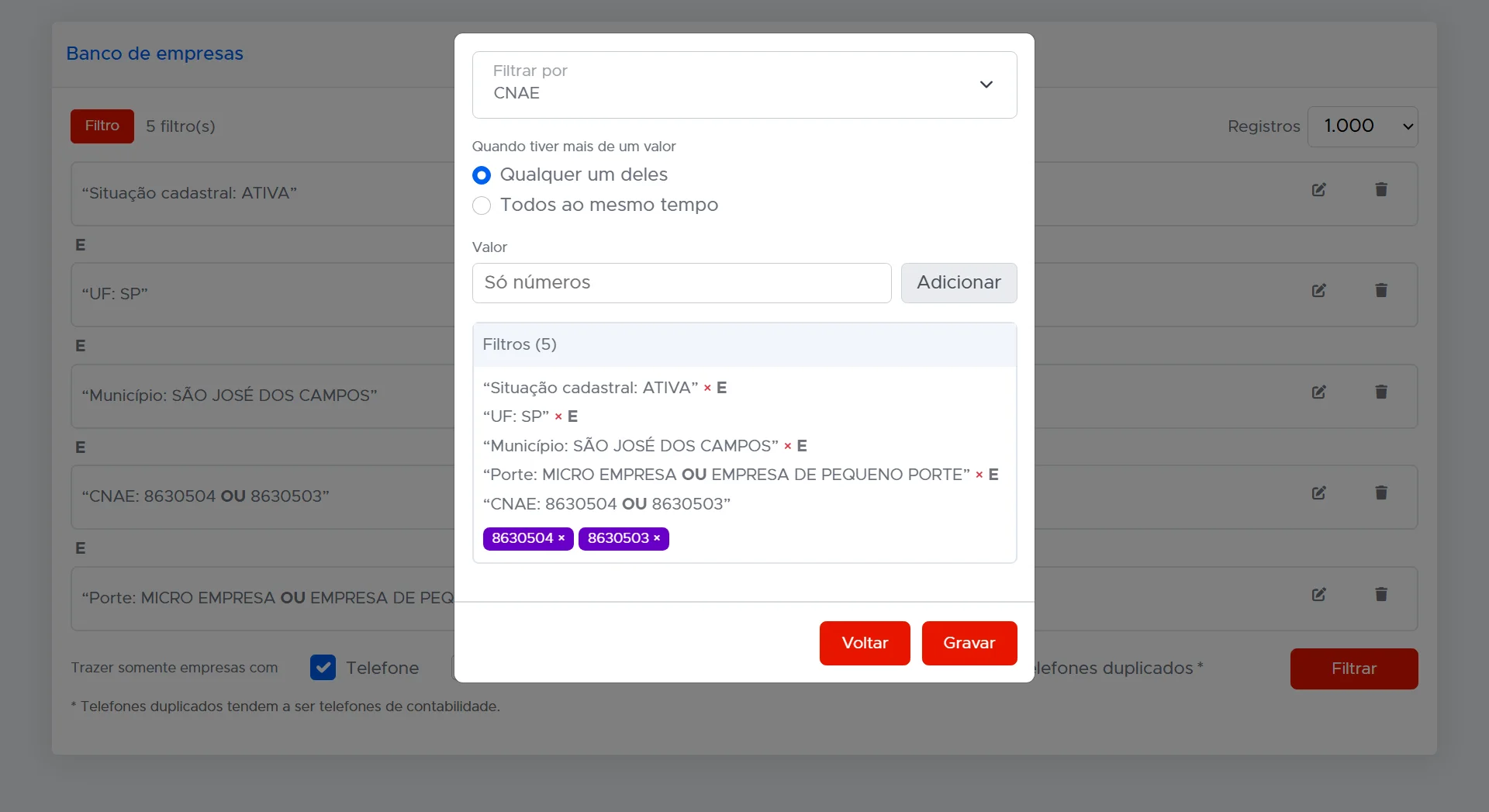
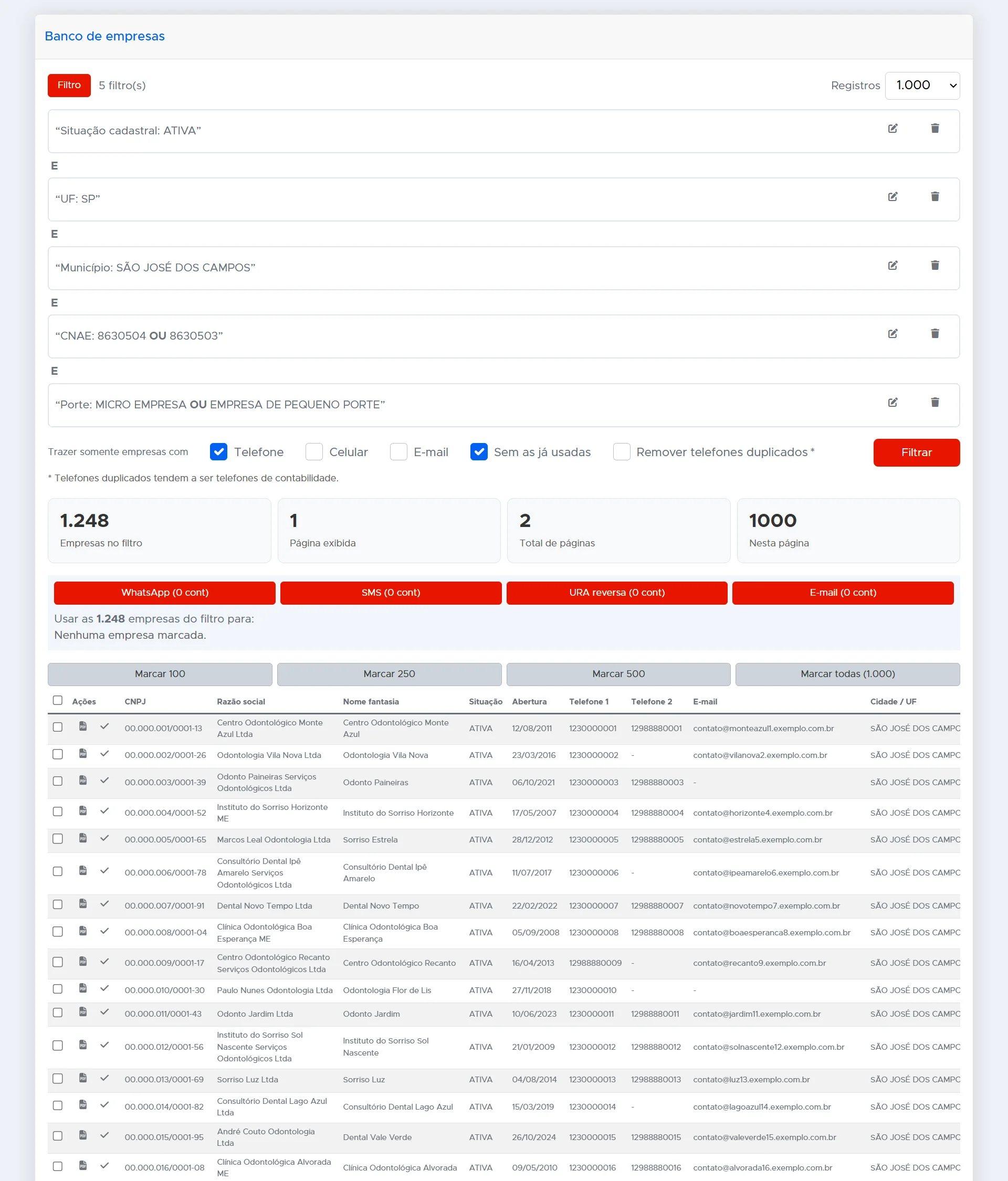
A lista aparece com telefone e e-mail
A plataforma mostra quantas empresas se encaixam e traz CNPJ, razão social, nome fantasia, data de abertura, telefones e e-mail do cadastro. Você pode pedir só as que têm telefone, celular ou e-mail e tirar as que a sua equipe já trabalhou.
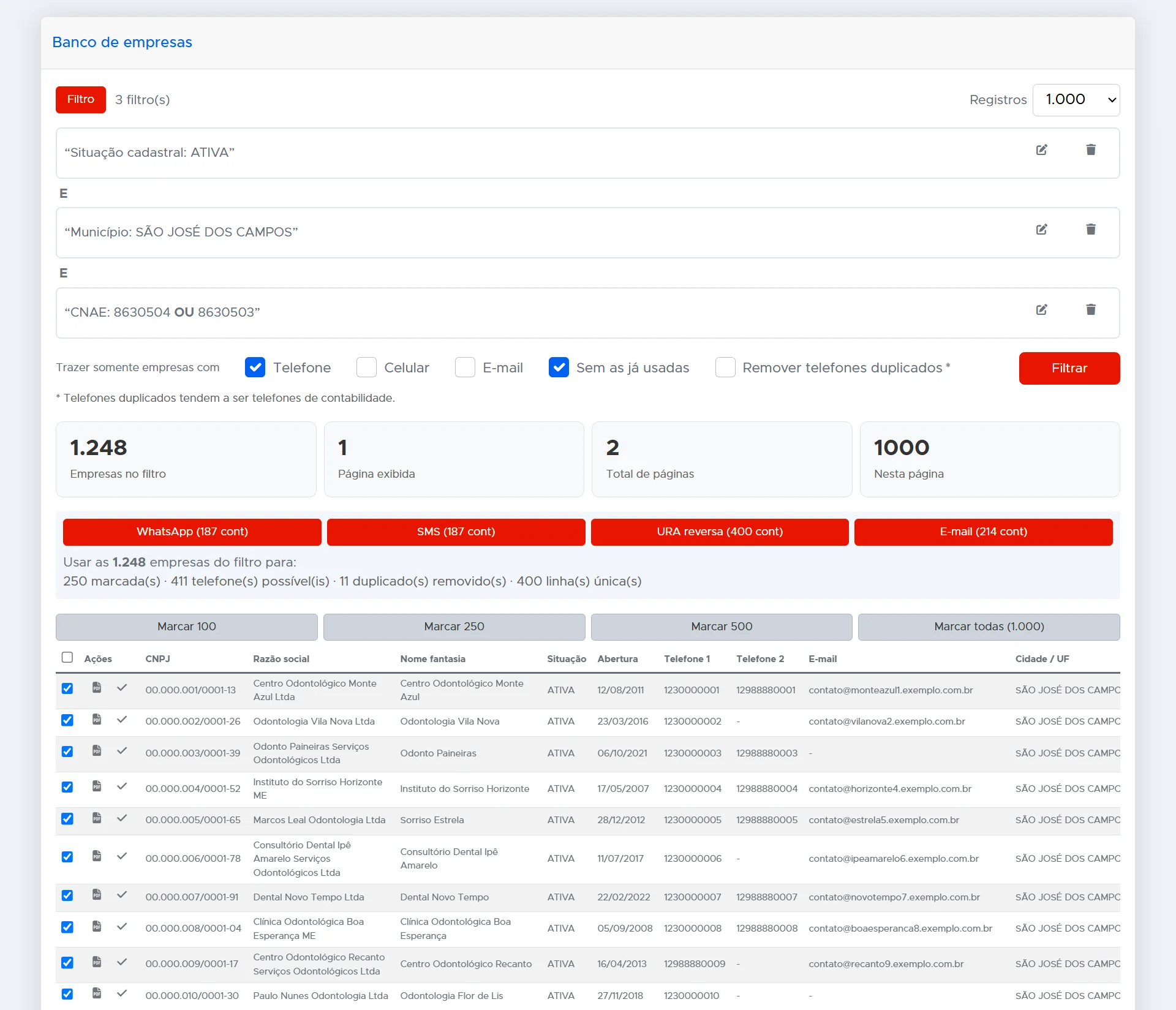
Da pesquisa direto para a campanha
Marque 100, 250, 500 ou todas as empresas e mande a lista para uma campanha de WhatsApp, SMS, URA reversa ou e-mail. A plataforma remove os telefones duplicados e mostra quantos contatos cada canal vai receber.
The rep loses the day building lists
Copying contacts from site to site, from network to network, is manual work that sells nothing.
Bought lists come old, duplicated and full of numbers that no longer exist.
With no list, a new rep spends weeks before having anyone to talk to.
The list ready, filtered exactly the way you need
Every dental clinic in your city, the grocery stores in a neighborhood, the carriers in a state. You filter by industry code and region and get legal name, trade name, address, phone and email from the federal tax registry.
Optional module, added to the monthly plan fee.
O que a sua empresa ganha
Lista pronta em minutos
O vendedor para de copiar contato de site em site e começa o dia com quem ligar.
Só o perfil que interessa
Ramo, cidade e porte filtrados antes de gastar uma ligação ou uma mensagem.
Sem repetir contato
A pesquisa pode deixar de fora as empresas que a equipe já trabalhou e os telefones duplicados.
Common questions
Where does the data come from?
From the public company registry of the Brazilian federal tax authority: legal name, trade name, address, phone and email as declared.
Can I filter by city?
Yes, by line of business (industry code), city and region.
Is it charged separately?
Yes, it is an optional module with a fixed addition to the monthly plan fee.
Want to see this running in your operation?
Our team shows the platform working with your own case, no fluff.